

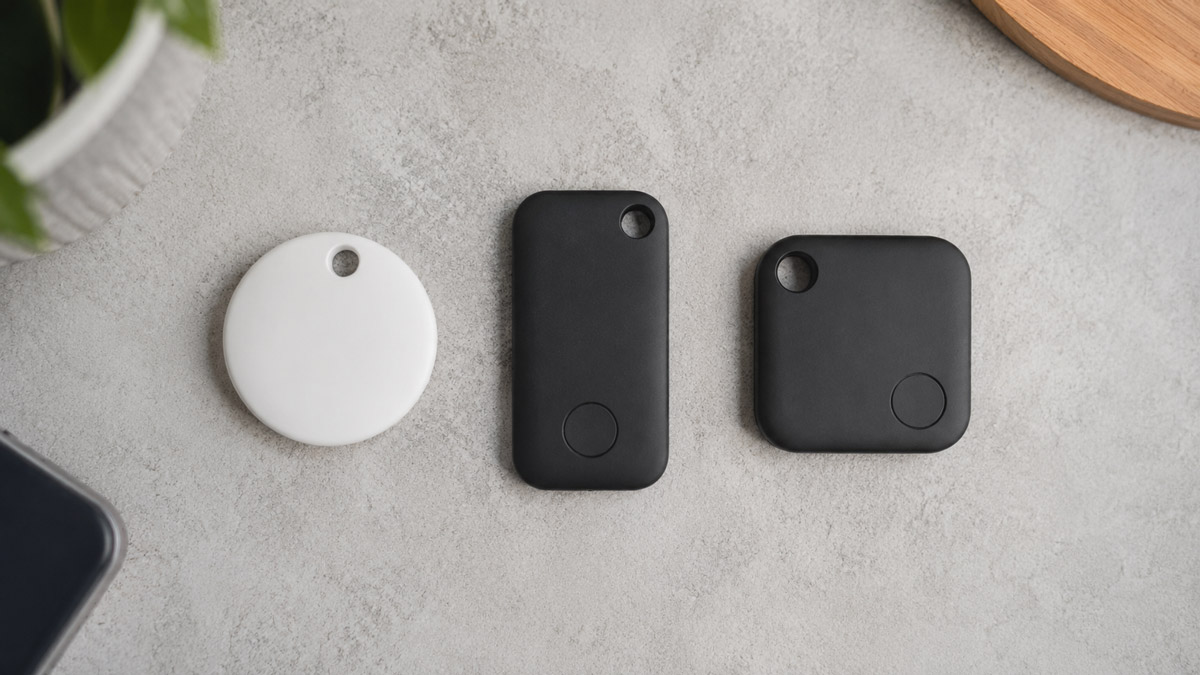
- Learn how AirTag, Tile and Samsung SmartTag differ in everyday use.
- Understand why your smartphone matters more than the tracker itself.
- Compare tracking networks, battery life, subscriptions and precision finding.
- See which tracker suits luggage, keys, wallets and travel.
- Avoid common buying mistakes before you spend your money.
- Find the best Bluetooth tracker for your needs with practical recommendations.
Many people assume all Bluetooth trackers do exactly the same thing. They don’t. Two trackers may look almost identical, yet one could help you recover a lost suitcase in minutes while another struggles to update its location for hours. What’s easy to miss is that the difference isn’t usually the tracker itself — it’s the network behind it.
If you’re comparing AirTag vs Tile vs Samsung SmartTag, the most important question isn’t which device has the longest specification sheet. It’s which one works best with your phone, your lifestyle and the places you regularly visit.
This guide compares all three options in practical terms, helping you understand where each tracker shines, where it falls short and which one represents the best value for different types of users. If you’d like a broader primer on how GPS, Bluetooth and UWB tracking technologies compare before you commit to a brand, independent explainers such as Tracqueur are a useful place to start.
Quick Verdict: Which Bluetooth Tracker Is Best?
| User | Best Choice | Why |
|---|---|---|
| iPhone users | Apple AirTag | Largest tracking network and excellent Precision Finding. |
| Samsung Galaxy owners | Samsung SmartTag | Native SmartThings integration with useful extra features. |
| Mixed-device households | Tile | Works across both iPhone and Android. |
| Frequent travellers | Apple AirTag | Excellent coverage in airports and busy cities. |
| Budget-conscious buyers | Tile Mate | Lower purchase price for basic tracking. |
For most people, though, the decision is surprisingly straightforward. If you already own an iPhone, AirTag remains the strongest choice. Samsung Galaxy users will usually get the best experience from SmartTag, while Tile is the most flexible option if your household uses different phones.
How Bluetooth Trackers Actually Work
Bluetooth Isn’t GPS
One of the biggest misconceptions is that Bluetooth trackers provide live GPS tracking. They don’t.
Instead, the tracker broadcasts a Bluetooth signal. Whenever a compatible phone nearby detects that signal, it securely updates the tracker’s location in the owner’s app.
That’s why these devices perform much better in busy places than in remote locations.
Why the Tracking Network Matters
The tracker itself is only one part of the system. The real strength comes from the number of nearby devices capable of detecting it.
Imagine dropping your luggage in a busy London airport. Thousands of compatible phones are moving through the terminal every hour. A larger network means your tracker is more likely to be detected quickly. Sounds straightforward enough — and it mostly is, provided you’re somewhere busy.
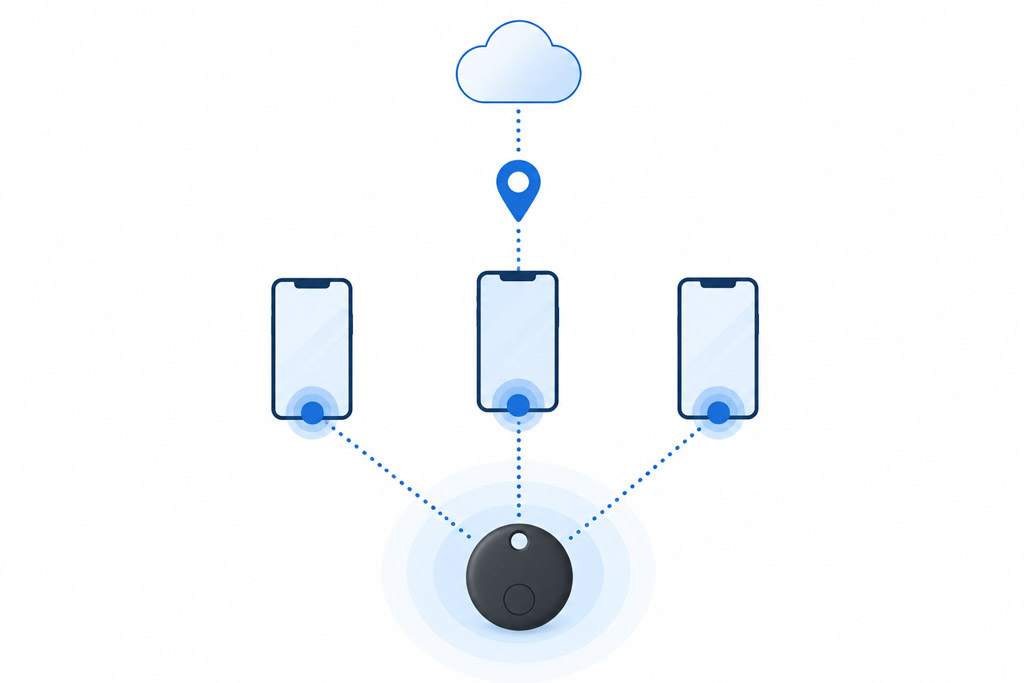
In contrast, if you lose something on a quiet countryside walk, location updates may take much longer regardless of which tracker you own.
AirTag vs Tile vs Samsung SmartTag Comparison
| Feature | AirTag | Tile | Samsung SmartTag |
|---|---|---|---|
| Works with iPhone | Yes | Yes | No |
| Works with Android | No | Yes | Samsung Galaxy only |
| Precision Finding | Yes | No | Yes (supported devices) |
| Replaceable battery | Yes | Model dependent | Yes |
| Subscription required | No | Optional | No |
| Best feature | Find My network | Cross-platform support | SmartThings integration |
Apple AirTag
Strengths
- Largest crowdsourced tracking network.
- Newest generation extends Precision Finding range and adds Apple Watch support.
- Replaceable battery.
- No subscription needed.
- Simple setup through Find My.
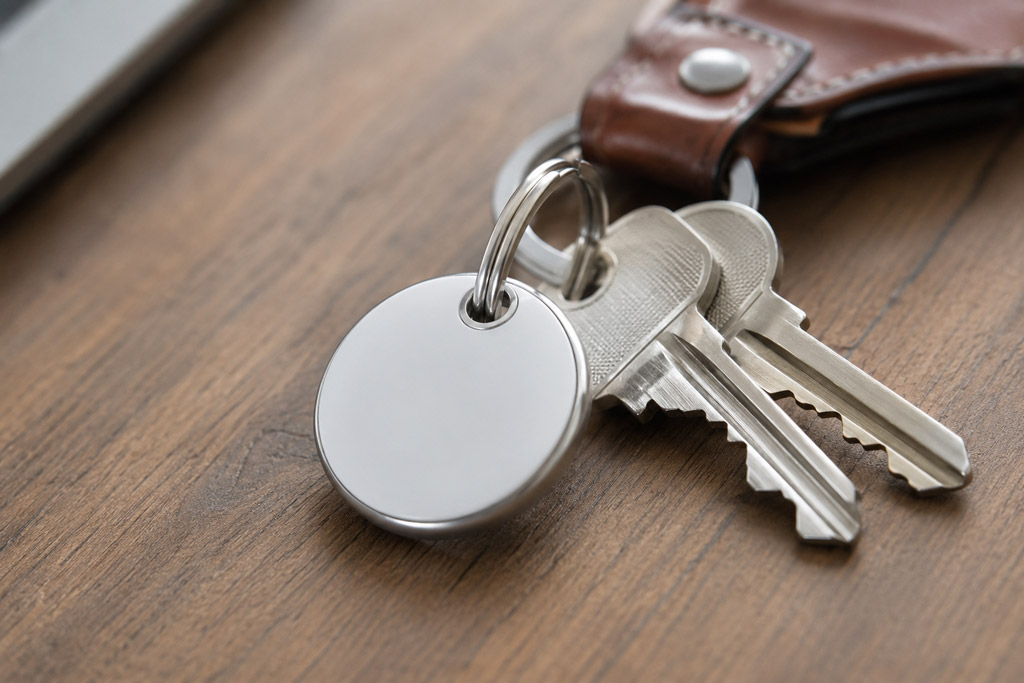
AirTag’s greatest advantage isn’t its hardware — it’s Apple’s enormous Find My network. In crowded places such as railway stations, airports and city centres, location updates tend to arrive quickly because there are so many Apple devices nearby.
The current AirTag, released in early 2026, builds on this with an upgraded Ultra Wideband chip. In practice, that means Precision Finding starts guiding you in from noticeably further away than the previous generation, and — for the first time — it can be used via a compatible Apple Watch as well as an iPhone. The Find My network itself hasn’t changed, but the last few metres of the search now tend to feel quicker.
Weaknesses
- Designed exclusively for Apple devices.
- Requires an accessory to attach to keys.
- Offers little value if you switch to Android later.
Tile
Strengths
- Compatible with both iPhone and Android.
- Available in multiple shapes for different items.
- Optional premium features.
- Simple setup.
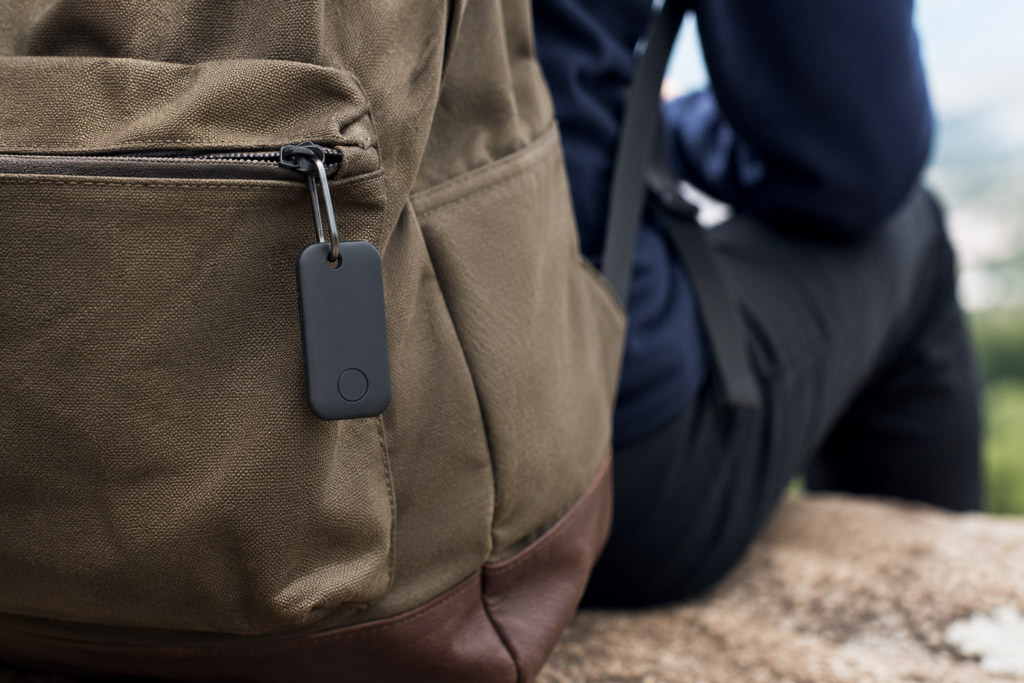
Tile’s biggest selling point is flexibility. If your family uses different brands of smartphones, you won’t need separate tracking systems. Worth knowing: Tile now sits under the Life360 umbrella, so don’t be surprised to see it listed as “Life360 Tile” on some retailers — it’s still the same product underneath.
Weaknesses
- Smaller tracking network than Apple.
- No Ultra Wideband Precision Finding on most models.
- Some useful features require a subscription.
It isn’t the tracker with the biggest network. It’s simply the one that doesn’t care which phone you own — and for mixed households, that trade-off is usually worth making.
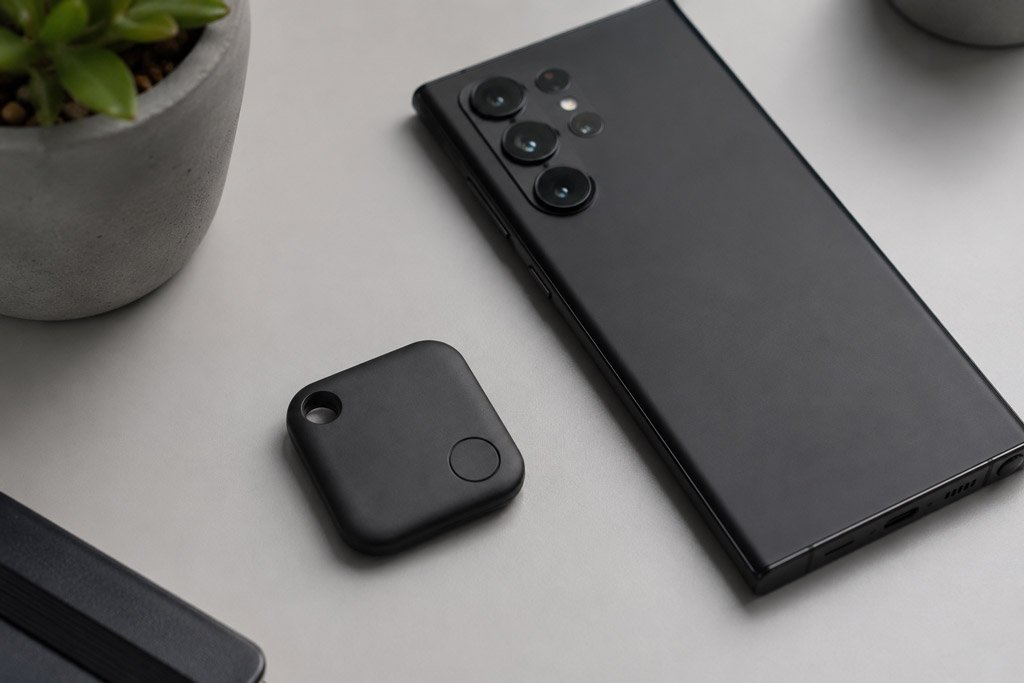
Samsung SmartTag
Strengths
- Excellent for Samsung Galaxy users.
- Supports Precision Finding on compatible devices.
- Built-in keyring hole.
- Long battery life.
- Works with SmartThings automation.
SmartTag offers more than item tracking. It can also interact with compatible SmartThings devices, allowing quick actions such as controlling lights or triggering home routines. The current SmartTag2 refines the original with a slimmer design and stronger dust and water resistance, so it holds up a little better on keys or luggage that take daily knocks.
Weaknesses
- Not suitable for iPhone users.
- Limited compatibility outside Samsung’s ecosystem.
- Tracking coverage depends heavily on Galaxy device density.
Real-World Performance
Finding Keys at Home
All three trackers perform well when your keys are nearby. Ringing the tracker is usually enough to locate them under a sofa or inside a bag.
Tracking Luggage
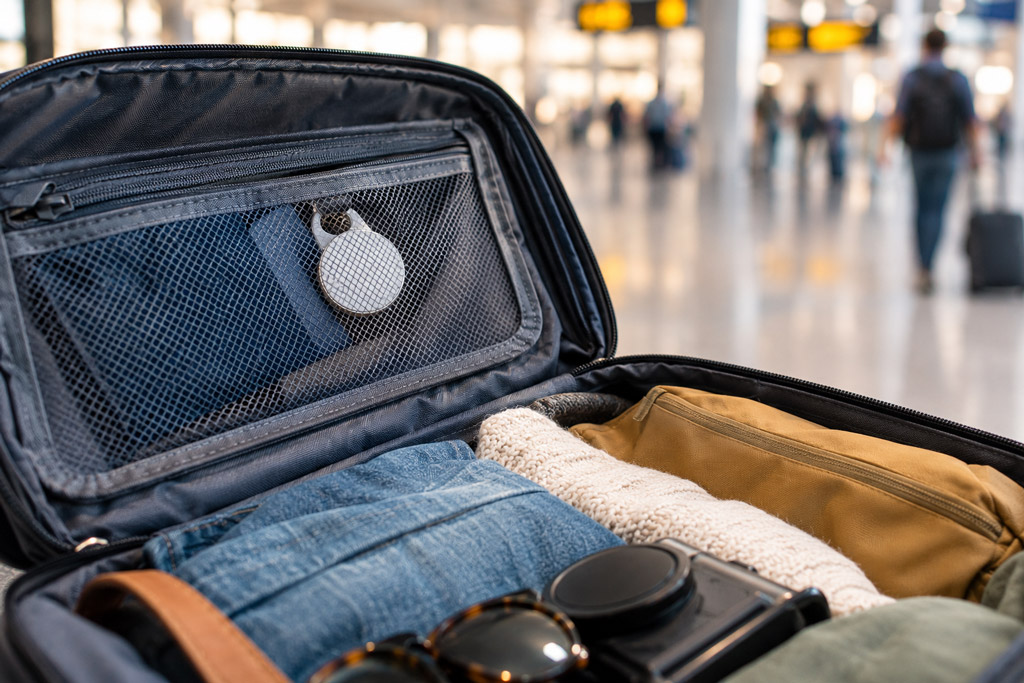
For travellers using an iPhone, AirTag remains difficult to beat. Airports contain large numbers of Apple devices, making location updates more frequent during baggage handling.
Samsung SmartTag performs well in areas with strong Galaxy adoption, while Tile can be a sensible alternative for mixed-device households.
Wallets and Bags
Tile offers wallet-friendly designs, while AirTag and SmartTag often require additional accessories depending on what you’re attaching them to.
Precision Finding Explained
Ultra Wideband (UWB) is one of the most misunderstood features.
Standard Bluetooth tells you that your tracker is nearby. UWB goes much further by showing direction and approximate distance, guiding you directly towards the item. On the newest AirTag and SmartTag2, that guided range has been extended even further — though the core idea, direction plus distance, hasn’t changed.
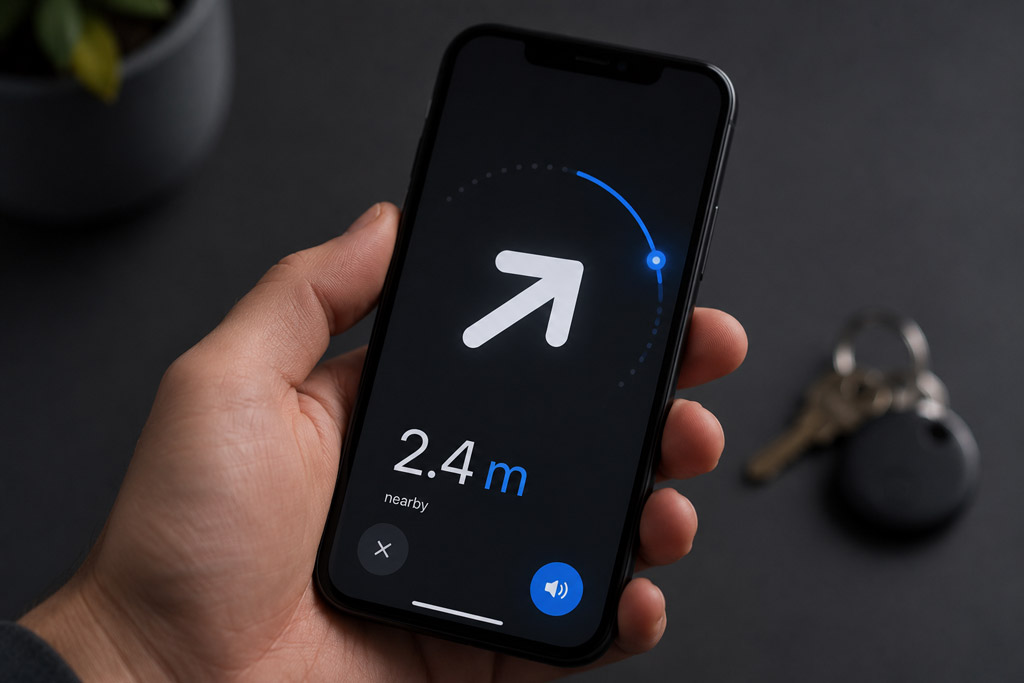
This becomes particularly useful when searching inside a cluttered home or crowded office where Bluetooth alone may only indicate that the tracker is somewhere close.
Battery Life and Long-Term Costs
| Tracker | Battery | Replaceable |
|---|---|---|
| AirTag | Around 1 year | Yes |
| Samsung SmartTag | Up to around 500 days | Yes |
| Tile | Varies by model | Depends on model |
Purchase price only tells part of the story. Accessories, replacement batteries and optional subscriptions all contribute to long-term ownership costs.
For example, AirTag often requires a separate keyring holder, while Tile Premium adds ongoing monthly costs if you want advanced features such as Smart Alerts.
Privacy and Security
Modern Bluetooth trackers include safeguards designed to reduce unwanted tracking.
If an unknown compatible tracker appears to be travelling with you, supported phones can display alerts so you can investigate. This isn’t down to individual manufacturers being generous — Apple and Google worked to a shared industry standard for these alerts, which is why the protection now works in a broadly similar way regardless of which brand’s tracker is nearby.
No tracker is completely immune to misuse, but today’s devices include far stronger privacy protections than earlier generations.
Common Buying Mistakes
- Buying an AirTag without owning an iPhone.
- Assuming Bluetooth trackers provide live GPS tracking.
- Ignoring subscription costs.
- Choosing based solely on battery life.
- Forgetting about accessories needed to attach the tracker.
Perhaps the biggest mistake is focusing on technical specifications instead of everyday usability. A tracker with a huge Bluetooth range is far less useful if its tracking network is too small to locate your belongings consistently.
Which Bluetooth Tracker Should You Buy?
Choose Apple AirTag if:
- You own an iPhone.
- You travel regularly.
- You want the strongest tracking network.
- You value Precision Finding.
Choose Samsung SmartTag if:
- You own a Samsung Galaxy phone.
- You already use SmartThings.
- You want smart home integration.
Choose Tile if:
- Your household uses different phones.
- You frequently change devices.
- You want one tracking platform across Android and iPhone.
Frequently Asked Questions
Which Bluetooth tracker has the best tracking network?
Apple AirTag generally offers the strongest network thanks to the sheer number of Apple devices capable of detecting it, and the current generation’s extended range only widens that gap in busy areas.
Can Bluetooth trackers work without an internet connection?
The tracker itself doesn’t need internet access, but nearby compatible devices help update its location whenever they detect it.
Are Bluetooth trackers suitable for pets?
They can help locate pets nearby, but they aren’t a replacement for dedicated GPS pet trackers if you need continuous location updates over long distances.
Is Tile Premium essential?
No. Basic tracking works without a subscription, although some convenience features are only available through the paid plan.
Conclusion
Choosing between AirTag, Tile and Samsung SmartTag isn’t about finding the tracker with the longest feature list. It’s about choosing the one that fits your ecosystem and the way you actually use it.
AirTag remains the standout option for iPhone owners thanks to its exceptionally large tracking network and excellent Precision Finding. Samsung SmartTag is the natural choice for Galaxy users who want seamless integration with SmartThings, while Tile continues to be the most practical solution for households using both Android and iPhone.
Before making your decision, think beyond specifications. Consider where you travel, what you want to track and which phone you’ll still be using a few years from now. In the long run, the best Bluetooth tracker is the one that works effortlessly with your everyday life, not the one with the longest marketing checklist.